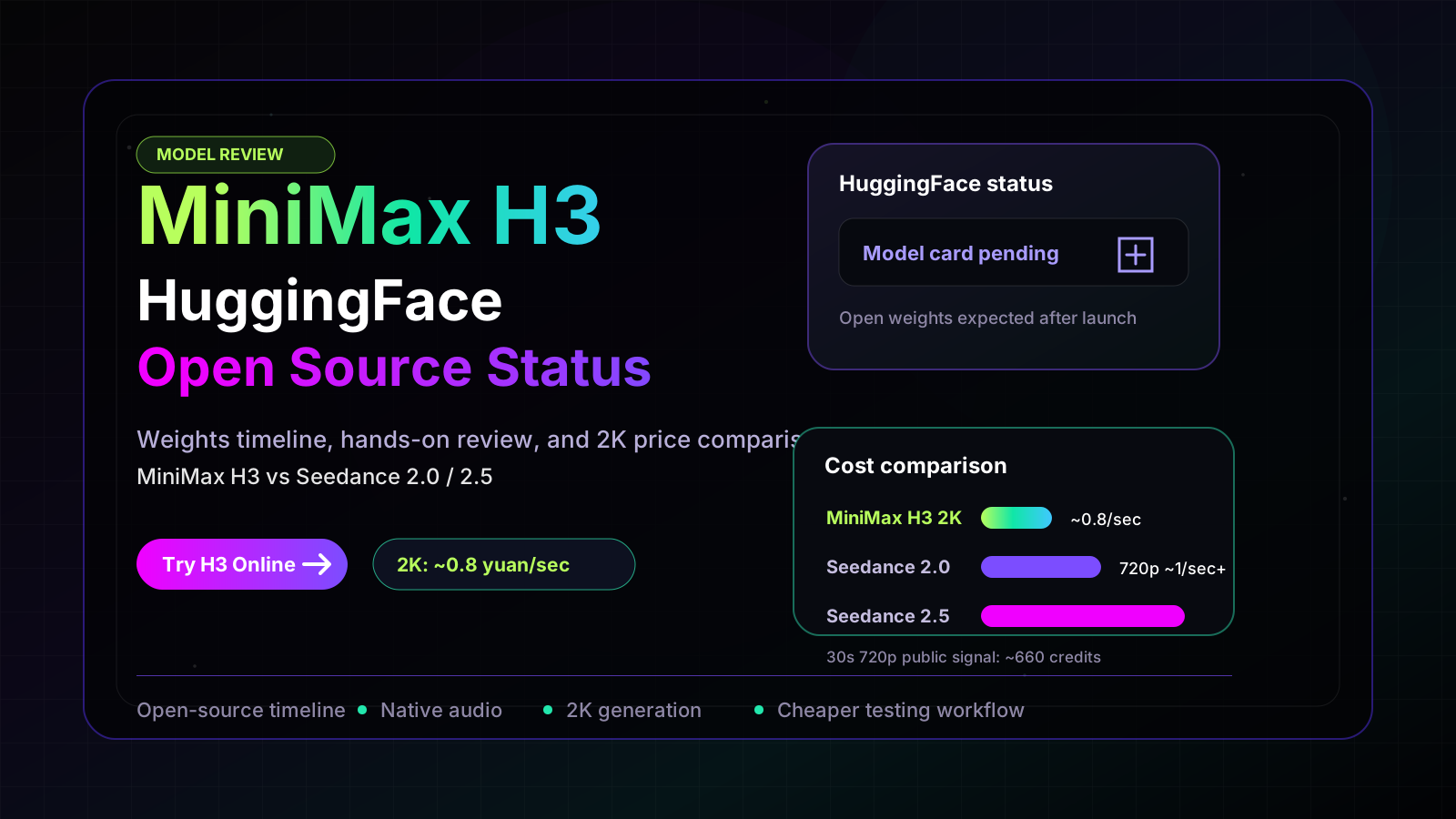
MiniMax H3 HuggingFace: Open Source Download, Setup, and Review
MiniMax H3 is now open source on Hugging Face. Here is what was released, how to download it, which workflows are supported, and what still depends on MiniMax APIs.
MiniMax H3 HuggingFace Is Live Now
Short answer: yes. MiniMax H3 is now open source on Hugging Face. The official model repository is live at MiniMaxAI/MiniMax-H3, and developers can download the released checkpoints with:
hf download MiniMaxAI/MiniMax-H3 --local-dir MiniMax-H3That changes the main answer for anyone searching "minimax h3 huggingface." This is no longer a waiting-room article about whether the weights will appear. As of August 3, 2026, the practical question is: what exactly did MiniMax open source, which parts can you run locally, and when should you still use the hosted API?
MiniMax H3 HuggingFace Quick Facts
| Question | Current answer |
|---|---|
| Is MiniMax H3 HuggingFace live? | Yes. The official Hugging Face repository is live at MiniMaxAI/MiniMax-H3. |
| Can I download the weights? | Yes. Use hf download MiniMaxAI/MiniMax-H3 --local-dir MiniMax-H3. |
| What was released? | Two H3-Base checkpoints: FL2VA and Ref2VA, with processor, tokenizer, text encoder, transformer, visual VAE, and audio VAE components. |
| What can local H3-Base generate? | 768p video with native audio for text-to-audio-video, first/last-frame-to-audio-video, and reference-to-audio-video workflows. |
| Is the full 2K system fully local? | Not yet. H3-Context-IR and H3-Regenerate-2K still rely on MiniMax's official API workflow in the current release. |
| What license applies? | MiniMax H3 Community License Agreement. Review the license before commercial use, redistribution, or fine-tuning. |
Part 1: What MiniMax Released on Hugging Face
MiniMax H3 is an omni-modal video generation system. It can understand multimodal context - text, images, video, and audio - and generate video with native stereo audio. The official model card describes output durations from 4 to 15 seconds, broad aspect-ratio support including 16:9, 1:1, 3:4, and 9:16, 24 FPS, and 32 kHz stereo audio.
The important nuance is that MiniMax H3 is a system, not a single small checkpoint. The complete system has three major modules:
- H3-Context-IR - a hosted preprocessing and orchestration layer that turns messy multimodal input into a structured intermediate representation.
- H3-Base - the open local generation model that produces 768p video with audio.
- H3-Regenerate-2K - a 2K regeneration stage that uses the base result and original context to improve high-resolution detail.
The open-source Hugging Face release is centered on H3-Base. MiniMax released two task-specific BF16 checkpoints:
| Checkpoint | Supported tasks | Input conditions | Output |
|---|---|---|---|
| MiniMax-H3 Base FL2VA | Text-to-audio-video (t2va) and first/last-frame-to-audio-video (fl2va) | Text with optional first frame, last frame, or both | Video and audio |
| MiniMax-H3 Base Ref2VA | Reference-to-audio-video (ref2va) | Text with reference images, videos, and/or audio | Video and audio |
Each checkpoint is distributed in a Hugging Face-style repository structure with its own model_index.json, processor, tokenizer, text_encoder, transformer, visual_vae, and audio_vae directories. That matters because the tokenizer and component configuration are part of the model contract. Do not swap in a generic tokenizer and expect H3 to behave correctly.
What Is Still Not Fully Open Source?
The current Hugging Face release is real, but it is not the same as a fully local copy of MiniMax's hosted 2K product pipeline.
MiniMax states that H3-Context-IR is not included in the open-source release because it relies on a multi-stage hosted workflow. The 2K regeneration module is also not yet open-sourced. For full 2K validation, the official workflow combines a local H3-Base deployment with MiniMax API calls for Context-IR and Regenerate-2K.
That is the main expectation to set correctly: local H3-Base gives developers a serious open-weight path for 768p audio-video generation, while the highest-fidelity 2K workflow still uses MiniMax's platform APIs.
Part 2: How to Use MiniMax H3 from Hugging Face
Start with the official download:
hf download MiniMaxAI/MiniMax-H3 --local-dir MiniMax-H3MiniMax recommends several serving and workflow options, including SGLang, vLLM, Diffusers, and ComfyUI. For backend deployments, the model card shows SGLang examples that serve the FL2VA and Ref2VA variants on separate ports:
sglang serve \
  --model-path MiniMaxAI/MiniMax-H3 \
  --num-gpus 4 \
  --ulysses-degree 4 \
  --performance-mode speed \
  --host 0.0.0.0 \
  --port 30010 \
  --model-variant fl2va
sglang serve \
--model-path MiniMaxAI/MiniMax-H3 \
--num-gpus 4 \
--ulysses-degree 4 \
--performance-mode speed \
--host 0.0.0.0 \
--port 30011 \
--model-variant ref2vaFor creators, ComfyUI is likely the lower-friction route. For product teams, SGLang or vLLM makes more sense because the model can sit behind an internal service and be called by your app.
Which Workflow Should You Choose?
| Goal | Best path | Why |
|---|---|---|
| Quick visual test | Hailuo AI or MiniMax H3 AI Video Generator | Fastest way to compare prompts without managing GPUs. |
| Local 768p generation | Hugging Face H3-Base | Gives developers open-weight control and avoids per-generation API dependency for base outputs. |
| 2K validation | Hybrid workflow: local H3-Base plus MiniMax API | The current 2K regenerate stage is still API-backed. |
| App integration | SGLang, vLLM, or third-party API | Better for repeatable backend calls, queues, and monitoring. |
| Node-based creator workflow | ComfyUI templates | Easier for artists and video creators than writing serving code. |
What H3 Is Best At
MiniMax H3 is strongest when the job is not just "make a pretty clip," but "generate or edit a short brand-ready video with sound." The open release is especially interesting for:
- Product videos and e-commerce shots
- Social ads and dynamic posters
- Logo or text-led motion graphics
- Image-to-video with first/last frame control
- Reference-based character or style transfer
- Short clips where audio needs to be generated with the scene, not added later
The native audio side is important. Most AI video workflows still treat sound as a separate production step. H3's architecture includes a standalone audio VAE and generates stereo audio as part of the output, which is a real advantage for short commercial clips, music-video concepts, and social media tests.
What to Watch Before You Build Around It
There are three practical limits to keep in mind.
First, local H3-Base is a 768p workflow in the current release. If your product promise is "native 2K output," you need the hybrid API workflow for now.
Second, hardware requirements are serious. The official SGLang examples use multiple GPUs. Community tooling may reduce friction over time, but this is not a tiny consumer laptop model.
Third, the license matters. The model is released under the MiniMax H3 Community License Agreement, not a generic permissive license. Before using H3 in a paid product, check commercial-use terms, redistribution terms, content restrictions, and fine-tuning permissions.
Part 3: Verdict and MiniMax H3 HuggingFace FAQ
MiniMax H3 on Hugging Face is a meaningful open-source video model release because it gives developers direct access to an audio-video generation base model instead of forcing every experiment through a closed web app. It is especially valuable for teams that want to prototype private workflows, study architecture, build ComfyUI pipelines, or control 768p generation costs.
The release also needs to be described precisely. MiniMax did not ship every part of the hosted H3 system as local code and weights on day one. H3-Base is open; H3-Context-IR and H3-Regenerate-2K remain hosted/API-backed in the current workflow. That is still a major release, but developers should plan around the split.
For most users, the best path is simple:
| User type | Recommendation |
|---|---|
| Creator testing prompts | Use Hailuo AI or the MiniMax H3 AI Video Generator. |
| Developer evaluating open weights | Download MiniMaxAI/MiniMax-H3 from Hugging Face and start with the FL2VA checkpoint. |
| Team needing 2K production tests | Use the official MiniMax API workflow until Regenerate-2K is open-sourced. |
| Researcher or infrastructure engineer | Study the H3-Base architecture, VAE split, tokenizer requirements, and serving recipes. |
FAQ
Is MiniMax H3 on Hugging Face now?
Yes. The official repository is live at MiniMaxAI/MiniMax-H3.
How do I download MiniMax H3 weights?
Use the Hugging Face CLI:
hf download MiniMaxAI/MiniMax-H3 --local-dir MiniMax-H3Is MiniMax H3 fully open source?
The H3-Base checkpoints are open source on Hugging Face. The current release does not include the full hosted system: H3-Context-IR and H3-Regenerate-2K still depend on MiniMax's API workflow.
What resolution can I run locally?
The local H3-Base workflow is for 768p generation. The full 2K workflow currently combines local H3-Base with MiniMax API calls.
What tasks are supported by the open checkpoints?
The FL2VA checkpoint supports text-to-audio-video plus first-frame, last-frame, or first-and-last-frame video generation. The Ref2VA checkpoint supports reference-to-audio-video from text plus reference images, videos, and/or audio.
Does MiniMax H3 generate audio?
Yes. H3 generates video with native stereo audio. The official specs list 32 kHz stereo output.
Can I use MiniMax H3 with ComfyUI?
Yes, MiniMax links ComfyUI resources and templates from the Hugging Face model card. This should be the most accessible route for creators who prefer node-based workflows.
Is MiniMax H3 better than Seedance 2.5 or Veo?
It depends on the job. H3 is more interesting for open-weight control, local experimentation, reference-based video generation, and audio-video workflows. Closed models like Seedance, Veo, or Kling may still be stronger for some cinematic, long-form, or high-resolution production needs.
Bottom Line
MiniMax H3 HuggingFace is now live, and the article's old answer has flipped: developers no longer need to wait for the model card. Download the official repository, start with H3-Base, and choose FL2VA or Ref2VA based on the input style you need.
Just keep the architecture split in mind. If you need fully local 2K, wait for MiniMax to open-source H3-Regenerate-2K. If you need working 2K today, use the official API-backed workflow. If you need a fast online test, try the MiniMax H3 AI Video Generator before committing GPU time.
MiniMax H3 HuggingFace Source Notes
- Official MiniMax H3 Hugging Face model card: MiniMaxAI/MiniMax-H3
- Official repository facts verified on August 3, 2026: model card live, MiniMax H3 Community License Agreement, FL2VA and Ref2VA checkpoints, H3-Base local deployment guidance, and hybrid 2K workflow notes.
- MiniMax platform links from the model card: Global API, CN API, Global WebApp, and CN WebApp.
Newsletter
Join the community
Subscribe to our newsletter for the latest news and updates